A Windows PC
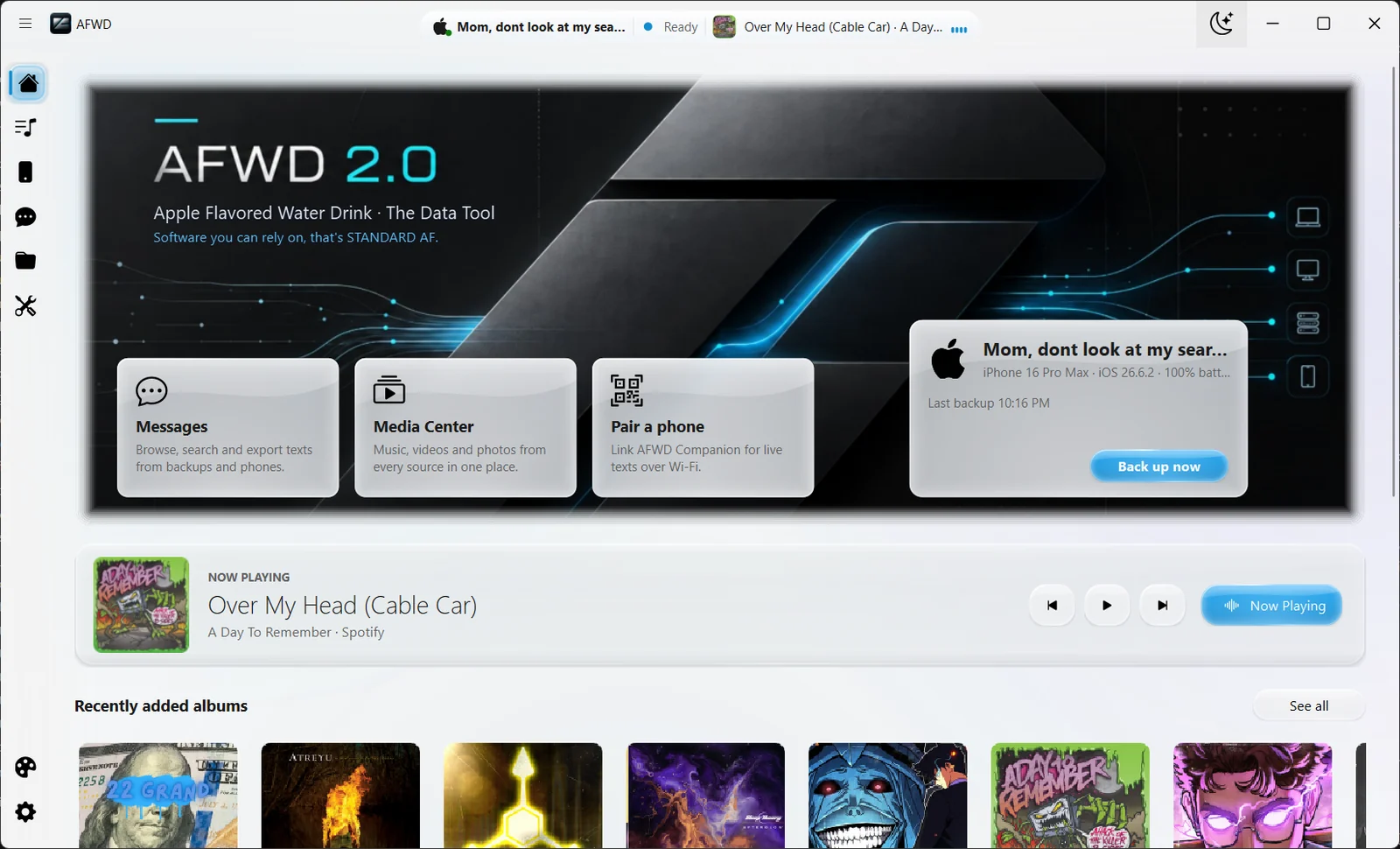
AFWD 2.0 is a Windows desktop application from the Microsoft Store.

Get started
What you need and the first steps for iPhone and Android.

Before you begin
AFWD 2.0 is a Windows desktop application from the Microsoft Store.
Apple’s USB driver comes from the Apple Devices app on the Microsoft Store.
The AFWD Companion link works only on your local network.
First steps
Get AFWD 2.0 free from the Microsoft Store. If you already have AFWD 1.0, the Store updates it to 2.0.
Install Apple Devices from the Microsoft Store for Apple’s USB driver, then connect your iPhone by USB. It appears on AFWD’s Device page.
On the Device page, choose Android over Wi-Fi. AFWD offers the Companion app as a QR download over your local Wi-Fi, or installs it over USB.
Pick Incremental, Full, or Messages only, decide whether to encrypt, and choose Back up now.
Add PC folders to the Media Center in Settings, and sign in to Spotify if you use it.
Open Theme Studio to set the mode, colour scheme, glass, and glow.
Free through Dec 31, 2026
Get AFWD 2.0 free on the Microsoft Store. Already on AFWD 1.0? 2.0 arrives as an update.